The four-part check before any Chromebook deal is worth it
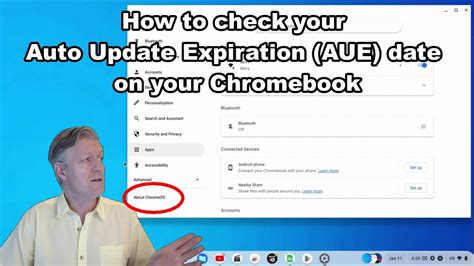
RAM and display specs are easy to compare on a product page. The fourth variable, remaining software support, is not, and it’s the one number that most changes the value of a discounted Chromebook. Every ChromeOS device has an Auto Update Expiration (AUE) date: the point at which Google stops sending security patches and feature updates to that specific hardware platform. Devices don’t stop working at that date, but they stop getting patched, and eventually some web apps and Android app updates lose compatibility with the frozen OS version.
Google’s current policy, in effect since 2024, gives ChromeOS devices 10 years of updates from the platform’s release date, automatically for anything released in 2021 or later. Devices from before 2021 can often get extended updates too, but only if an administrator opts in; on an unmanaged personal Chromebook that step may never happen. This distinction matters most for exactly the units that show up in Cyber Monday clearance and Renewed listings: older platforms nearing or past their original support date.
| Platform release era | Update policy | Typical remaining years (bought late 2026) | Verdict for a Cyber Monday deal |
|---|---|---|---|
| Before 2021 | 10-year extension available, but requires admin opt-in; unmanaged devices may not receive it | Often 0 to 2 years, sometimes none | Treat any discount here with suspicion unless the listing states an extended AUE date |
| 2021 to 2023 | 10 years from release, automatic | Roughly 4 to 8 years | Reasonable if the discount is deep and specs clear the RAM/display floor |
| 2024 or newer | 10 years from release, automatic | 7 to 10 years | Best combination of update runway and current-generation hardware |
| Chromebook Plus line (Oct. 2023 on) | 10 years from release, automatic, plus a guaranteed hardware floor | 7 to 10 years | Removes both the spec-guessing and support-window guesswork at once |
Because AUE is tied to a shared hardware platform rather than to the day a unit ships, the table above is a starting point, not a lookup for a specific machine. Before buying, check the exact model on Google’s Auto Update policy page rather than trusting a retailer’s spec sheet.
The PIRG Education Fund’s “Chromebook Churn” research found that before the 2024 policy change, Chromebooks in schools lasted an average of just four years, and estimated that doubling that lifespan across the installed base could save roughly $1.8 billion. The report flagged a trap relevant to deal shopping: AUE dates are set by certification date, not purchase date, so a buyer picking up a steeply discounted or refurbished unit can unknowingly be buying a device that’s already most of the way through its support life.
Does a cheap Chromebook with only one year of software updates left still work after that date?
Yes. The hardware keeps functioning, and web apps that don’t depend on the browser version generally keep working. What stops is new security patches, new ChromeOS features, and reliable Android app compatibility, which is enough to make the device a liability for anything involving passwords, banking, or school testing platforms with strict browser requirements.
Cyber Monday versus Black Friday for computers
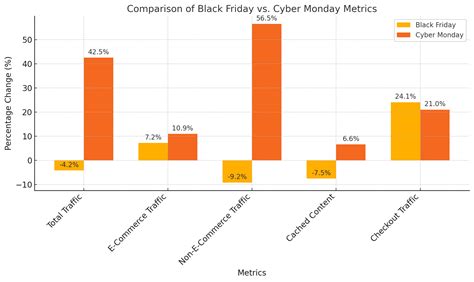
Every deal roundup treats Cyber Monday as automatically the best day to buy, but Adobe’s category-level forecast for the 2025 season assigned the deepest cuts on Black Friday specifically to TVs, toys, and appliances, and named computers, electronics, and apparel as Cyber Monday’s strongest categories instead.
| Moment | 2024 discount (computers) | 2025 discount (computers) | Note |
|---|---|---|---|
| Cyber Monday peak | 21.5% | 23% | The single best-supported day for a computer purchase in both years |
| First week of December (post-Cyber Week) | 18% | 20% | Discounts persist but shrink by roughly 3 to 4 points within a week |
| Electronics category, Cyber Monday peak | 30.1% | 31% | Deeper than computers specifically; useful for bundled deals with accessories |
Discount depth grew for computers in both years, and dropped by roughly a third within a week of Cyber Monday ending, so waiting past the day itself trades a small further price search for a real, measurable cut in savings. Source: Adobe Analytics, Cyber Monday 2025 recap and Adobe’s 2024 Cyber Monday release.
If Black Friday has deeper discounts overall, why does Adobe call Cyber Monday best for computers?
Adobe’s category breakdown comes from its own retailer analytics panel, which tracks pricing across roughly 100 million SKUs; that data assigns different peak days to different product types, with computers, electronics, and apparel peaking specifically on Cyber Monday rather than Black Friday.
Confirming a discount is real
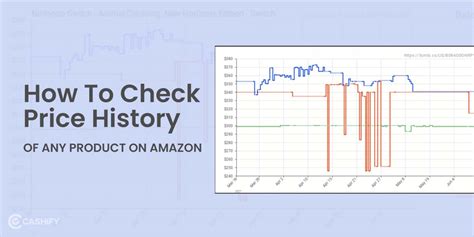
A “was $249, now $109” tag is a retailer’s claim, not proof. Checking a specific listing’s price history over the prior 90 days, using a free Amazon price-tracking tool such as CamelCamelCamel, takes under a minute and either confirms the cut or shows a price that was raised shortly before the sale. Do this before adding anything to a cart.
Choosing a tier: budget, Plus, or premium
Budget tier
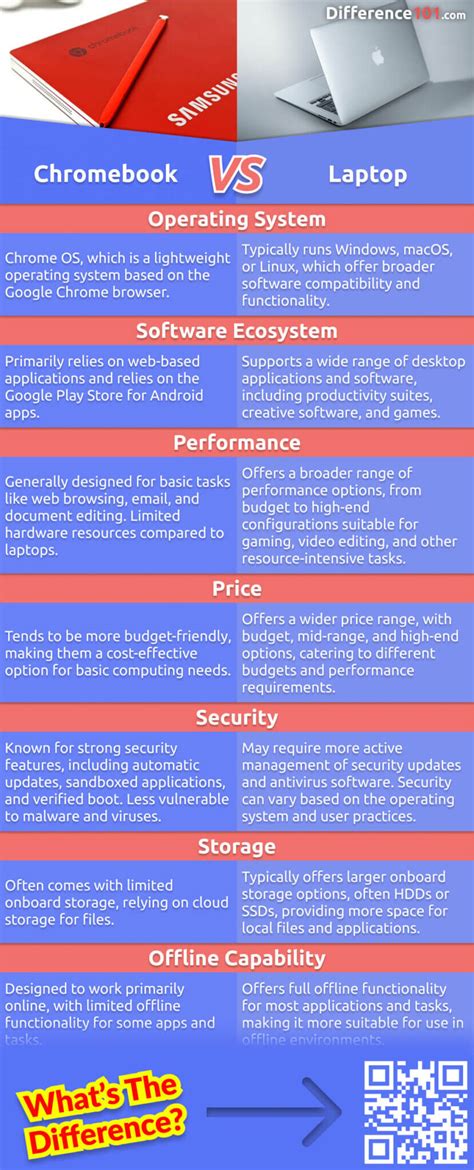
Budget Chromebooks typically ship with 4GB of RAM, Celeron-class processors, and 768p or 1080p displays, adequate for browser-only use but visibly stalling once several tabs are open at once. Run the AUE check above before buying; budget units are disproportionately the ones sold near the end of their platform’s life.
Chromebook Plus tier
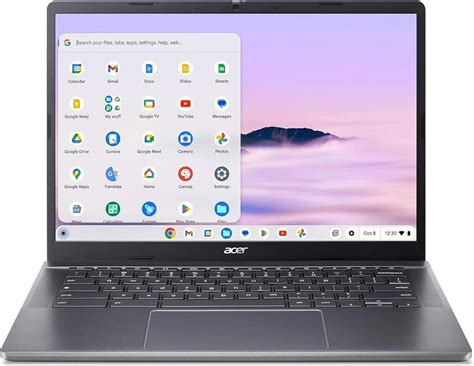
Google introduced the Chromebook Plus badge in October 2023 as a fixed hardware floor: an Intel Core i3 12th-generation or AMD Ryzen 3 7000-series processor at minimum, 8GB of RAM, 128GB of storage, a Full HD IPS display, and a 1080p-or-better webcam with temporal noise reduction. The first Chromebook Plus laptops, from Acer, Asus, HP, and Lenovo, launched at $399 to $699. Buying a Chromebook Plus model removes both the spec-guessing and most of the support-window guesswork at once, since the badge only exists on 2023-or-later hardware.
Premium tier
Above Chromebook Plus, the difference is mostly display brightness, battery life, and chassis material rather than a new spec floor, and the AUE math doesn’t change from the Plus tier since premium models fall under the same 10-year policy for their release year.
Is a Chromebook Plus badge worth paying more for over a standard Chromebook?
The badge is tied to the hardware at time of manufacture, not something added later to an existing device, so paying for it buys a guaranteed 8GB/128GB/Core-i3-class floor rather than a gamble on whatever specs a budget listing happens to carry.
Refurbished and Renewed: reading the fine print
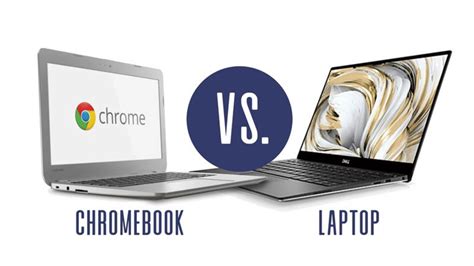
Refurbished on a retail site is not a single standard. Amazon’s Renewed program is the most heavily documented version and worth using as a baseline for what any refurbished listing should offer.
| Purchase type | Return window | Warranty | Price rule |
|---|---|---|---|
| New | Retailer’s standard policy (varies) | Manufacturer warranty | No discount requirement |
| Amazon Renewed (standard) | 90 days | Manufacturer warranty terms vary by listing | Must be priced at least 5% below the equivalent new item |
| Amazon Renewed Premium | 365 days | Extended coverage per listing | Must be priced at least 5% below the equivalent new item |
Source: Amazon Renewed Guarantee. A 90-day window is enough to catch a dead battery or a failed keyboard, but it says nothing about an AUE date that lands two years out; check the model’s support date separately from the return policy, since the two protections cover different risks entirely.
What’s the real difference between an Amazon Renewed device and one bought used from a stranger online?
Renewed carries a minimum 90-day, Amazon-backed return guarantee, a required condition grade (Premium, Excellent, Good, or Acceptable), and a mandated minimum 5% discount versus the new price, protections a private used sale doesn’t include.
Trade-in stacking
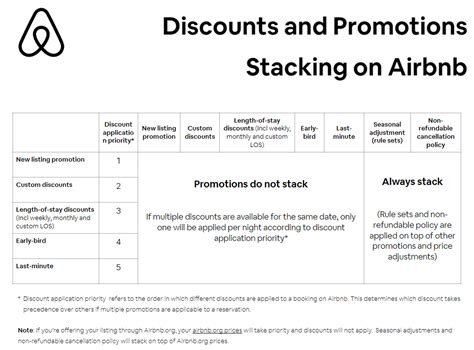
Some manufacturers let a trade-in discount stack on top of an already-discounted Cyber Monday price, which can push the effective cost well below the sale tag. This is general guidance, not a sourced statistic: the mechanics vary by brand and change each season, so confirm current terms on the manufacturer’s trade-in page before assuming a device qualifies.
- Check eligibility first. Trade-in value is usually assessed by device condition and model, not guaranteed at a flat rate.
- Confirm it stacks. Some programs apply the trade-in credit before the sale price, others after; the order changes the final number.
- Get the credit in writing. Instant online trade-in quotes can differ from what’s honored in person.
Mistakes that erase the discount
- Buying on discount percentage alone. A 40% cut on a device with one year of software updates left is a worse deal than a 20% cut on a device with seven years left.
- Assuming Renewed and manufacturer refurbished carry the same guarantee. Only Amazon’s program is bound by the specific terms in the table above; other refurbished programs set their own rules.
- Trusting a “was” price without checking history. A price-tracking tool takes under a minute and either confirms or kills the deal.
- Ignoring the platform release year on a clearance unit. Retailers clear out older platforms hardest right before a new generation launches, and those are exactly the units closest to their AUE date.